Presets in MoonKarts - Very Important Feature


In the thriving universe of Moon Karts, every second counts—and your equipment setup can make the difference between narrowly losing and dominating the finish line. That’s where Presets come in: a thoughtful feature designed to give players speed in preparation and sharpness in strategy.
What Are Presets?
Presets allow players to save up to four distinct kart configurations—each one a full load-out: driver, kart, tech cards, accessories, and power-ups. Rather than rebuilding from scratch each time, you assemble your ideal combination once, save it, and recall it pre-race.
Think of Presets as your strategic tool-belt. Moon Karts is packed with different track types—tight corners, long straightaways, maybe even terrain quirks. What works superbly on a twisty course might cost you dearly on a speed track. With four saved setups, you can tailor your approach without stress. Need more acceleration at the start or more handling for winding sections? Switch to the matching preset and go.
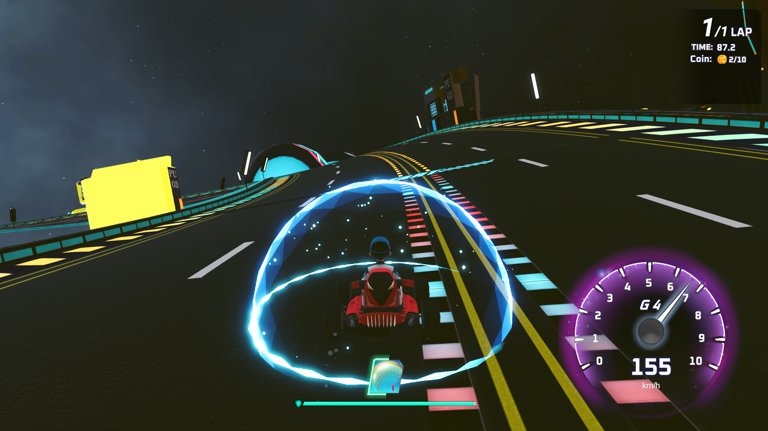
How to Create & Manage Them
Creating a Preset is intuitive: pick your driver, choose your kart, select tech cards, accessories, and power-ups—then save. Once you’ve built it, you can edit or update the Preset at any time. As your collection grows or your strategy refines, adjustments are natural. You aren’t locked in.
Playing Smarter
From a competitive standpoint, Presets give you a tactical edge. If you’ve observed typical opponents’ setups, you can counter them. If you know which tracks are likely in the next event, pre-loading specialized builds—be they balanced, speed-focused, or defensive—lets you jump ahead. Also, when you don’t have time to tinker, the convenience alone is powerful.